One source or several.
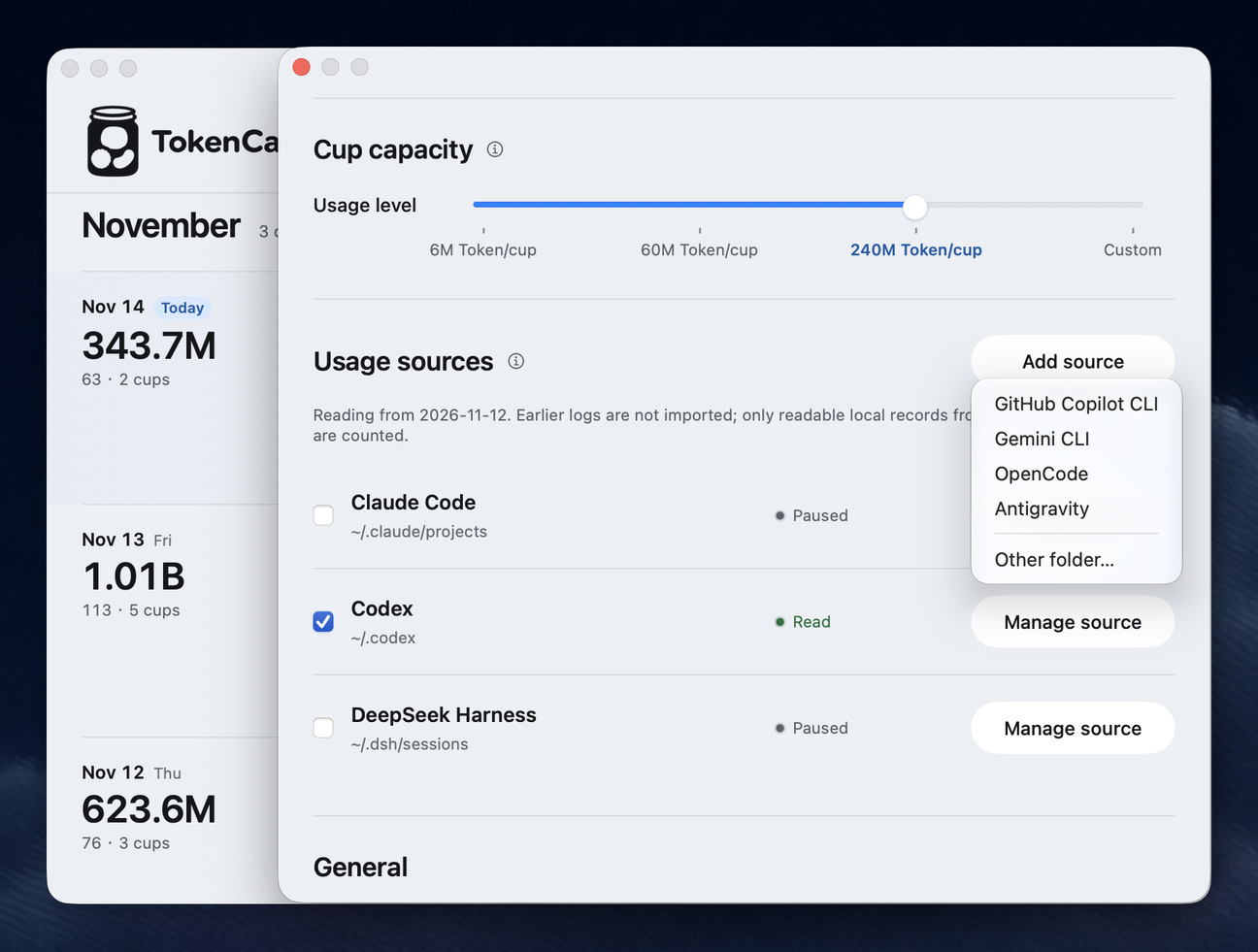
After you allow access, TokenCandy checks the usual log locations for Codex, Claude Code, DeepSeek Harness, GitHub Copilot CLI, Gemini CLI, OpenCode and Antigravity. Choose one source or combine several. Only supported usage logs are counted.
Ordinary browser chats are not tracked. Copilot CLI usage updates from session-end snapshots.
A little demo to explore.
The calendar on this website uses fictional usage and journal notes. In the Mac app, daily jars are based on the usage sources you connect.
Your data stays yours.
Usage is read locally. TokenCandy stores usage metadata on your Mac and does not upload your usage logs or conversations.
Tokens count usage.
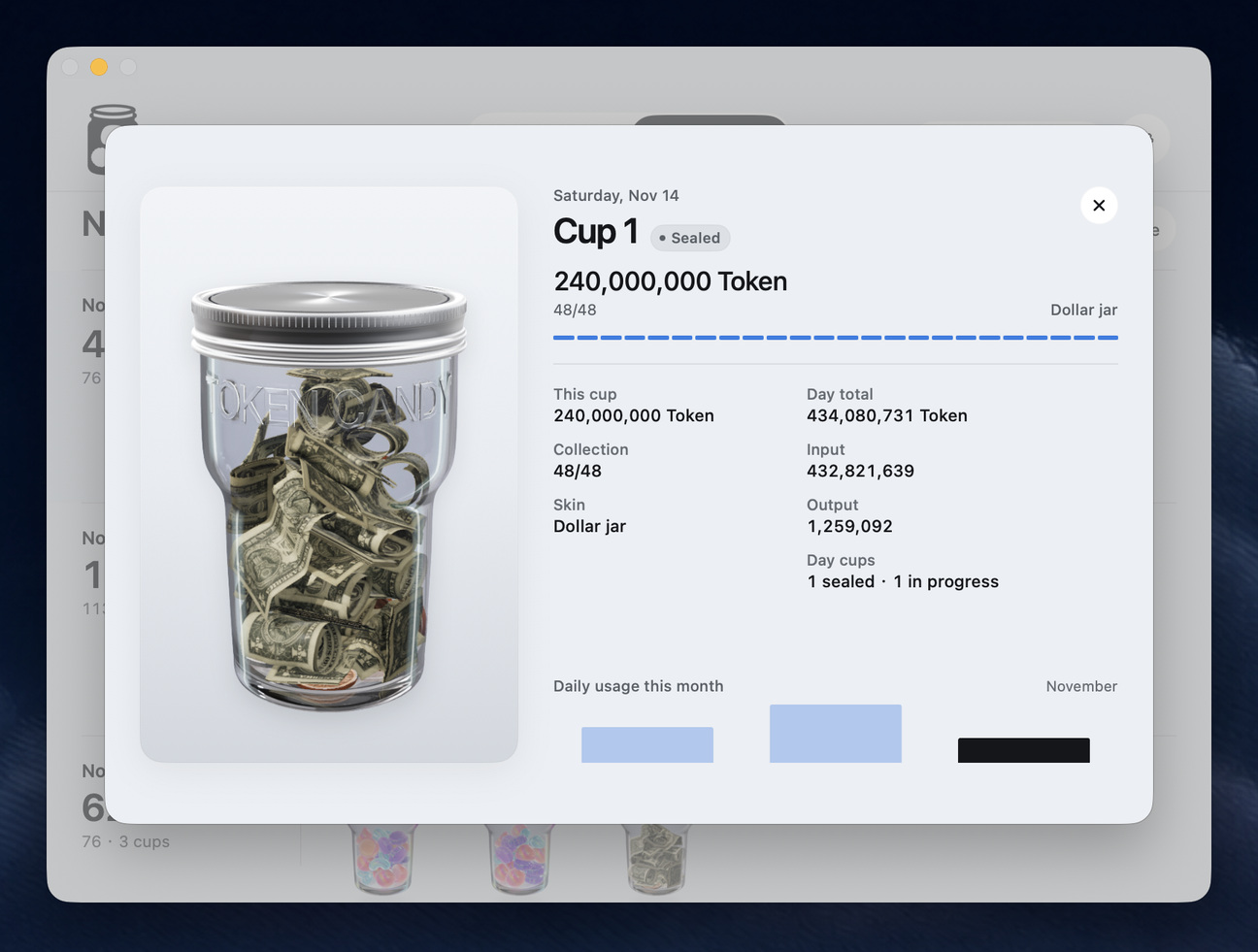
The jar visualizes recorded token usage. It does not show your bill, remaining account quota or reset time.
Your jar, your setup.
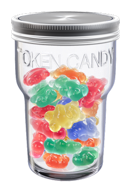
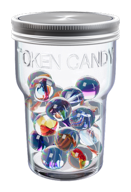
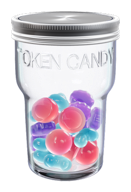
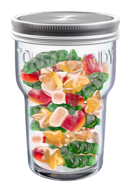
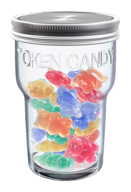
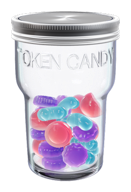
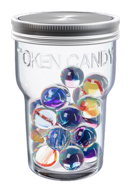
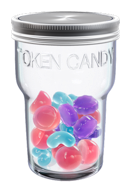
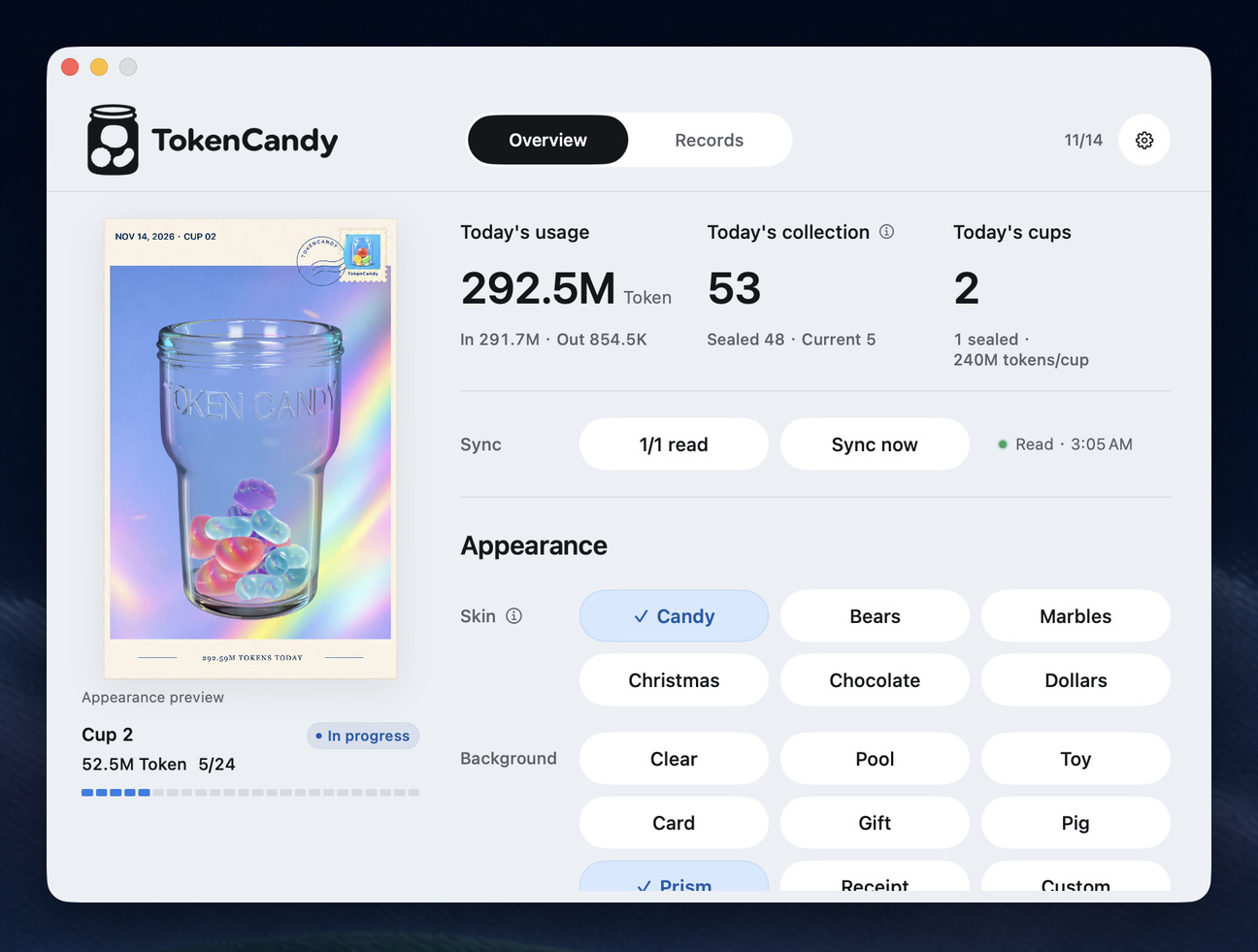
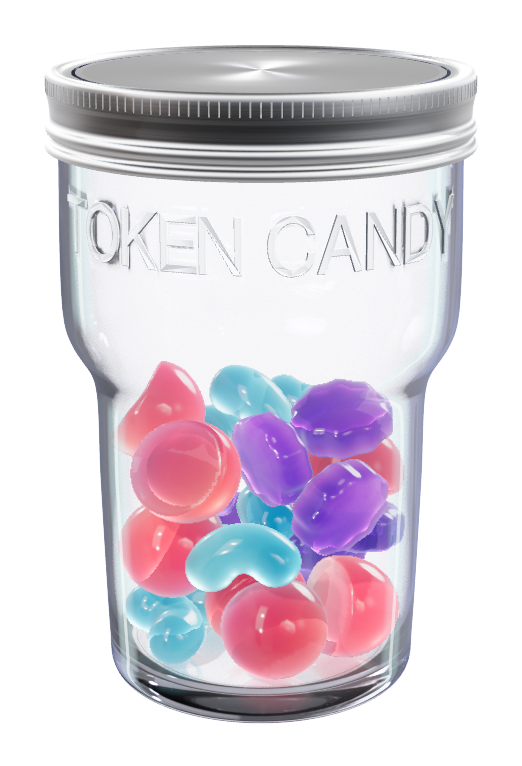
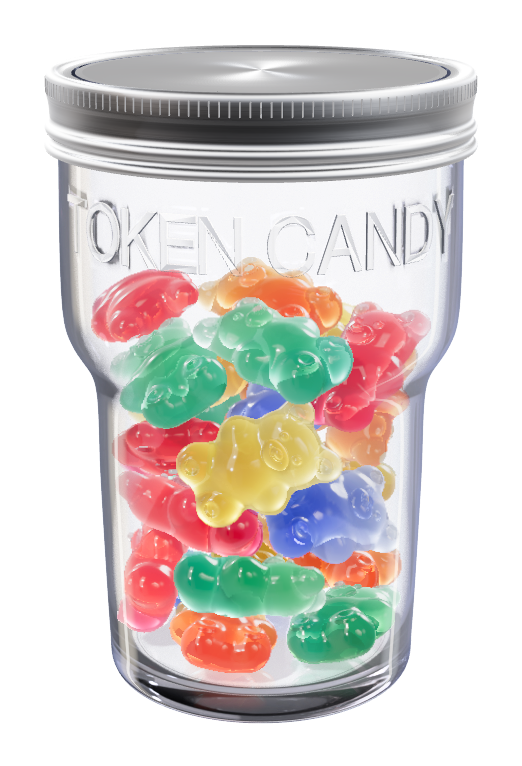
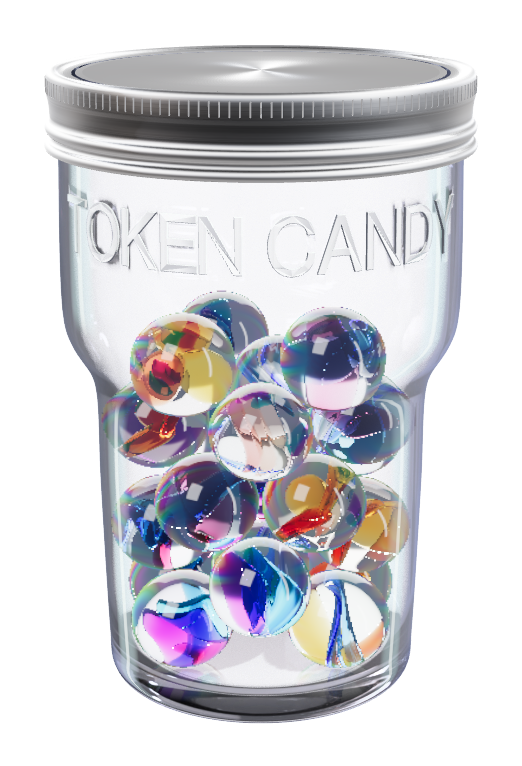
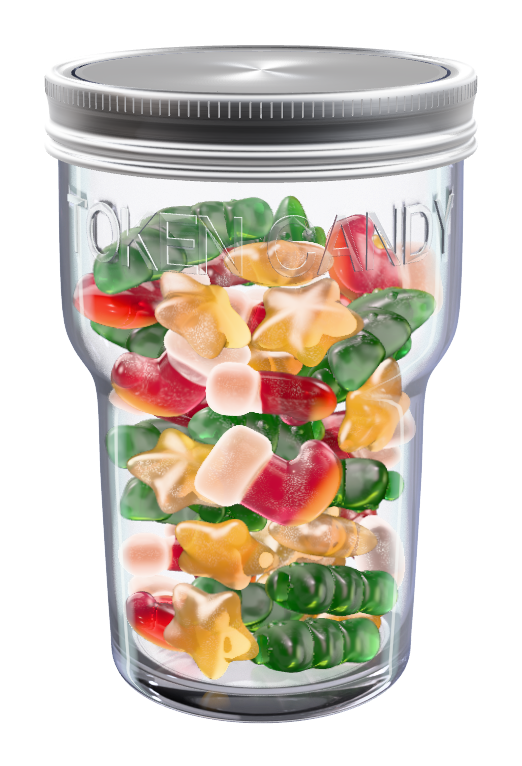
Choose a candy style and background in the app. Appearance choices do not change your recorded token usage.
A Mac and a local usage source.
The current Mac build requires macOS 14 or later and Apple silicon. Connect a supported local usage folder to record tokens.
Open. Connect. Start working.
Once available on the Mac App Store, install and open TokenCandy. Click Allow Access & Find Sources, confirm your home folder, select the sources you want, then click Start Reading.
For manual setup only: Codex ~/.codex · Claude Code ~/.claude/projects
For other locations, open Add source in Settings and choose Find automatically or Choose folder manually. Use ⇧⌘G in the folder chooser only if you want to enter a path.
Free to start. One-time upgrade.
The Candy skin and Clear, Prism and custom backgrounds are free to keep. One purchase unlocks the other current skins and built-in backgrounds, plus future skins.
Purchasing is not available yet. No price has been announced.